KDP Cover Size Calculator: Paperback, Hardcover and Ebook Cover Dimensions (with Spine Width)
How to work out the exact KDP cover size for any paperback or hardcover, including spine width, bleed and wrap, plus the right ebook cover size, A5 and metric sizes, and free templates.
KDP rejects more covers for wrong dimensions than for anything else. The fix is simple once you know the formula: your full cover is the back, the spine and the front laid flat, plus a little extra around the edge.
This guide gives you the formula, ready-made sizes for common books, and the separate rules for hardcovers and ebooks. For your exact numbers and a downloadable template, use our free KDP cover calculator.
The KDP Cover Size Formula (Paperback)
Cover width = 0.125" bleed + back cover + spine + front cover + 0.125" bleed
Cover height = 0.125" bleed + trim height + 0.125" bleed
The front and back are each the trim width of your book. Only the spine changes with the page count.
Step 1: Work Out the Spine Width
Spine width = page count × paper thickness per page:
| Interior and paper | Per page |
|---|---|
| Black ink, white paper | 0.002252" |
| Black ink, cream paper | 0.0025" |
| Standard colour (white paper) | 0.002252" |
| Premium colour (white paper) | 0.002347" |
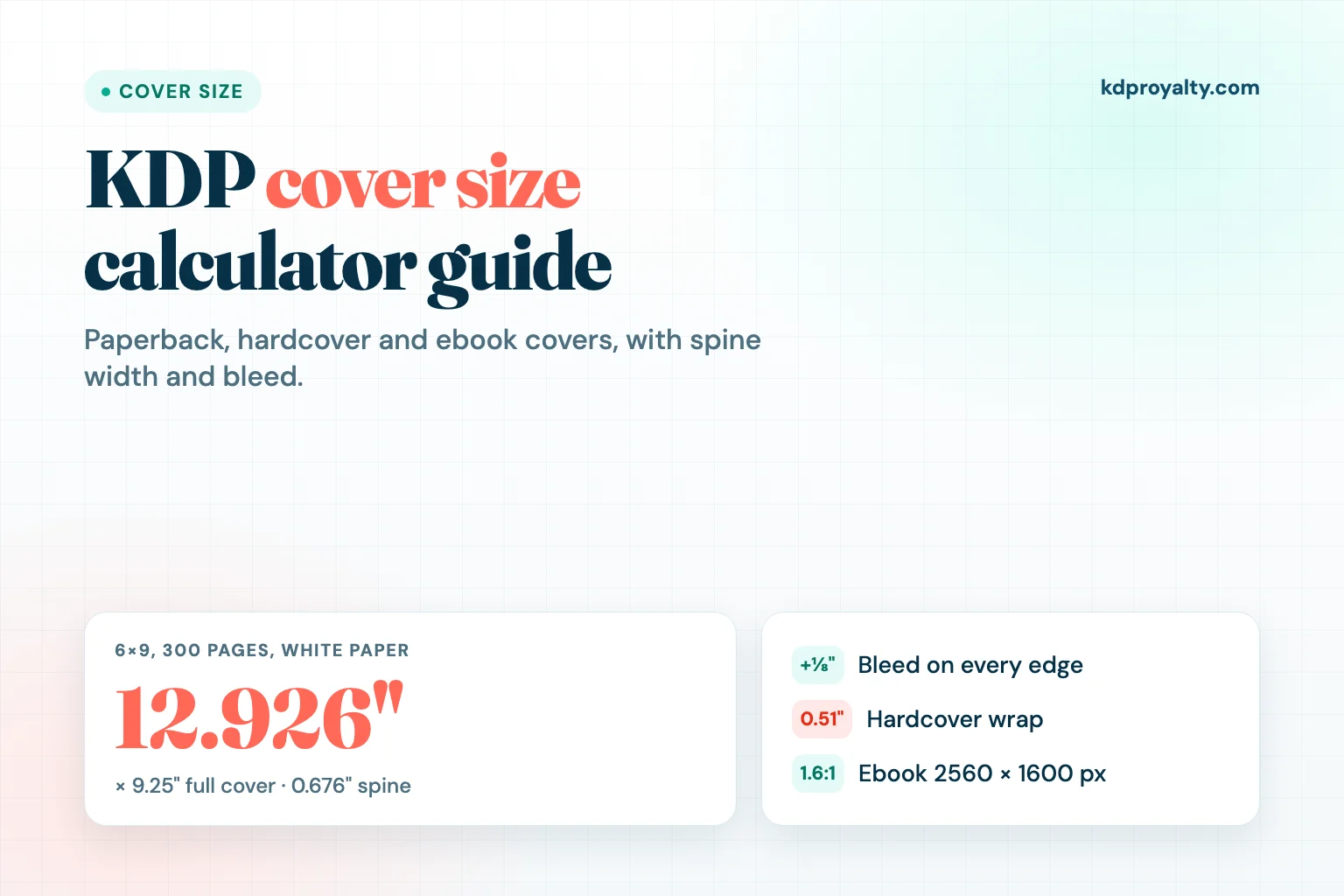
A 300-page book on white paper: 300 × 0.002252 = 0.676". The same book on cream paper is 0.75", because cream paper is thicker.
KDP only allows text on the spine for books with more than 79 pages. Thinner spines are too narrow to print text reliably, so leave them blank or use a solid colour.
Step 2: Add the Covers and Bleed
Take a 6×9 paperback with 300 pages on white paper:
- Width: 0.125 + 6 + 0.676 + 6 + 0.125 = 12.926"
- Height: 0.125 + 9 + 0.125 = 9.25"
At 300 DPI, that's an image of about 3,878 × 2,775 pixels.
KDP Cover Sizes for Common Books
| Book (paperback) | Spine | Full cover (inches) | Full cover (mm) |
|---|---|---|---|
| 5×8, 200 pages, white | 0.450" | 10.700 × 8.250 | 271.8 × 209.5 |
| 5.5×8.5, 24 pages, white | 0.054" | 11.304 × 8.750 | 287.1 × 222.3 |
| 6×9, 300 pages, white | 0.676" | 12.926 × 9.250 | 328.3 × 234.9 |
| 6×9, 300 pages, cream | 0.750" | 13.000 × 9.250 | 330.2 × 234.9 |
| 8.5×11, 120 pages, white | 0.270" | 17.520 × 11.250 | 445.0 × 285.8 |
| 8.5×11, 100 pages, premium colour | 0.235" | 17.485 × 11.250 | 444.1 × 285.8 |
For any other combination, enter it in the cover calculator. It shows inches and millimetres and draws the spine, bleed and safe areas for you.
Safe Zone: Keep Text Away From the Edges
Cutting isn't perfectly exact, so keep titles, author names and barcodes at least 0.125" inside the trim line (our template uses a 0.25" safe zone to be comfortable). Leave the bottom-right of the back cover clear: KDP prints the barcode there, about 2" × 1.2". Printing somewhere else, or want a price on it? Make one with our free ISBN barcode generator.
Hardcover Cover Size
Hardcovers (case laminate) wrap around the boards, so they need more than bleed. KDP asks for 0.51" (15 mm) of wrap on every edge:
Width = 0.51" + back + spine + front + 0.51"
Height = 0.51" + trim height + 0.51"
A 6×9 hardcover with 300 pages on white paper has a full cover of 13.696" × 10.02". KDP hardcovers come in 5.5×8.5, 6×9, 6.14×9.21, 7×10 and 8.25×11, with 75 to 550 pages.
Ebook Cover Size
Ebook covers are much simpler: one front image, no spine or bleed.
| Spec | KDP requirement |
|---|---|
| Ideal size | 2,560 px tall × 1,600 px wide |
| Ratio | 1.6:1 (height to width) |
| Minimum | 1,000 × 625 px |
| Maximum | 10,000 px on either side |
| File | JPEG or TIFF, RGB, under 50 MB |
If your cover is white or very light, add a thin (3–4 px) medium-grey border so it doesn't vanish on Amazon's white pages.
A5, A4 and Metric Covers (Cover Calculator Deutsch / UK)
KDP measures in inches, but you can design in millimetres. Multiply inches by 25.4, or switch the cover calculator to mm. Bleed is 3.2 mm per edge and hardcover wrap is 15 mm.
- A4 (210 × 297 mm, 8.27" × 11.69") is a standard KDP paperback size.
- A5 (148 × 210 mm, 5.83" × 8.27") is a standard size only on Amazon.co.jp. Elsewhere you can enter it as a custom trim size (paperback widths 4"–8.5", heights 6"–11.69"), then work out the cover with the same formula. The closest standard alternative is 5.5×8.5.
Templates: KDP's or Ours?
KDP has its own cover template generator in the KDP help pages, and it gives you a PNG or PDF for your exact size. Our cover calculator gives the same measurements instantly, explains each one, and lets you download a template without leaving the page. Either works. What matters is that the page count matches your final interior, because one extra signature changes the spine.
Common Cover Mistakes
- Using the trim size instead of the full size. The upload must include the bleed (or wrap).
- Calculating the spine from an old page count. Recalculate after any interior change.
- Picking the wrong paper. Cream is thicker than white; the spine differs.
- Text on a thin spine. Under 80 pages, KDP will reject spine text.
- Low resolution. Print covers need 300 DPI. A 72 DPI image will look blurry.
Once your cover fits, check the business side: your printing cost and royalty, and the minimum list price KDP will accept.
📊 Before you publish, run the numbers with our free KDP royalty calculator.
Frequently asked questions
How do I calculate my KDP cover size?
Width = 0.125-inch bleed + back cover + spine + front cover + 0.125-inch bleed. Height = trim height + 0.25 inches. A 6×9 paperback with 300 pages on white paper needs a 12.926 × 9.25 inch cover.
How is KDP spine width calculated?
Multiply the page count by the paper thickness: 0.002252 inches per page for white paper and standard colour, 0.0025 for cream, and 0.002347 for premium colour. A 300-page book on white paper has a 0.676-inch spine.
What size should a KDP ebook cover be?
2,560 pixels tall by 1,600 pixels wide (a 1.6:1 ratio), saved as JPEG or TIFF in RGB and under 50 MB. The minimum is 1,000 by 625 pixels.
How much bleed does a KDP cover need?
0.125 inches (3.2 mm) on every outside edge for paperbacks. Hardcovers need 0.51 inches (15 mm) of wrap on every edge instead.
Can I put text on the spine of my KDP book?
Only if the book has more than 79 pages. Thinner spines are too narrow for KDP to print text reliably.
Does KDP support A5 books?
A5 (5.83 × 8.27 inches) is a standard size on Amazon.co.jp. In other marketplaces you can enter it as a custom paperback trim size. A4 (8.27 × 11.69 inches) is a standard size.
What size is a 6×9 hardcover cover on KDP?
With 300 pages on white paper, 13.696 × 10.02 inches: 0.51 inches of wrap on each side, two 6-inch boards and a 0.676-inch spine.
Topics
Ready to Run the Numbers?
Put this knowledge into action. Calculate your potential royalties before you publish.